Understanding QR Codes — How They Actually Work
A clear, technical tour of QR code structure, data modes, error correction, and what scanners do when you point a camera at those little squares.

On this page
QR codes feel like magic: aim a camera, tap a link, done. Under the hood they are a carefully standardized binary barcode — a tiny grid of black and white modules that encodes bits, protects them with math, and arranges them so decoders can read them from almost any angle.
This post unpacks how that works, without hand-waving. If you build or design with QR codes, this is the mental model worth having.
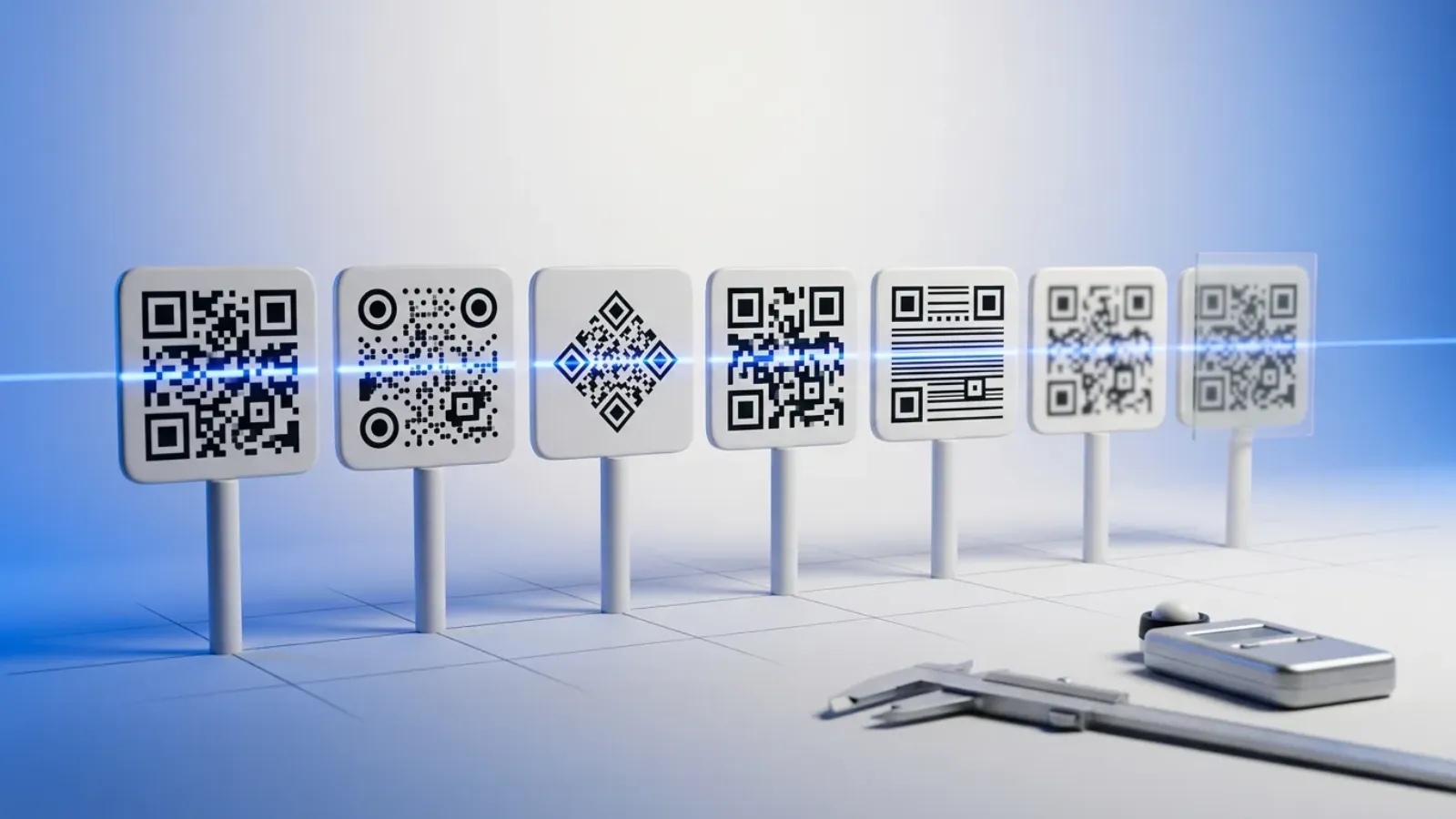
QR codes vs. traditional barcodes
A 1D barcode (like UPC) encodes data in stripes of varying width along a single line. It is dense in one dimension and fragile in the other: smudges or perspective can wipe out a whole scan line.
A QR code (Quick Response) is 2D: data lives in a square matrix of modules (usually black on white). You get more capacity in the same printed area, and the format is built for omnidirectional reading — the decoder figures out orientation from the pattern itself.
That orientation trick is why you see the same “bullseye” squares in every QR code: they are not decoration; they are alignment machinery.
The physical grid
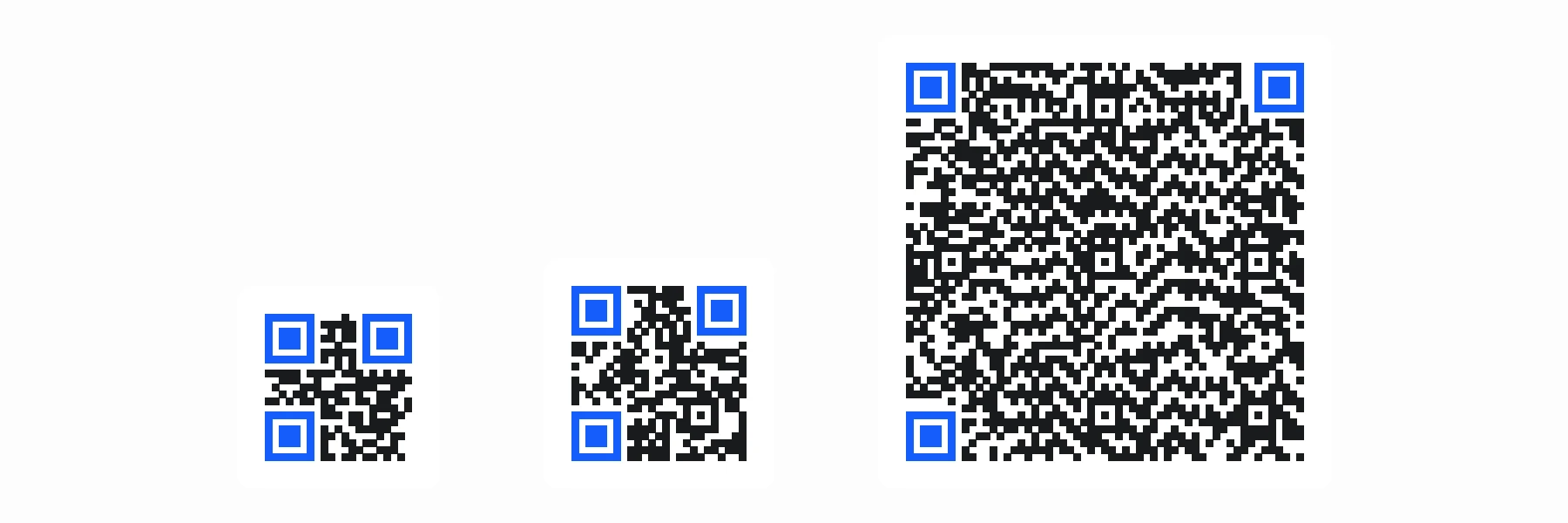
A QR symbol is a square of modules (think pixels, but printed). The smallest standard version is Version 1: 21×21 modules. Each step up adds 4 modules per side:
- Version 1 → 21×21
- Version 2 → 25×25
- Version 40 → 177×177 (the largest defined in the common standard)
Bigger versions exist to carry more data and more error correction redundancy, not because the logo got bigger.
Finder patterns
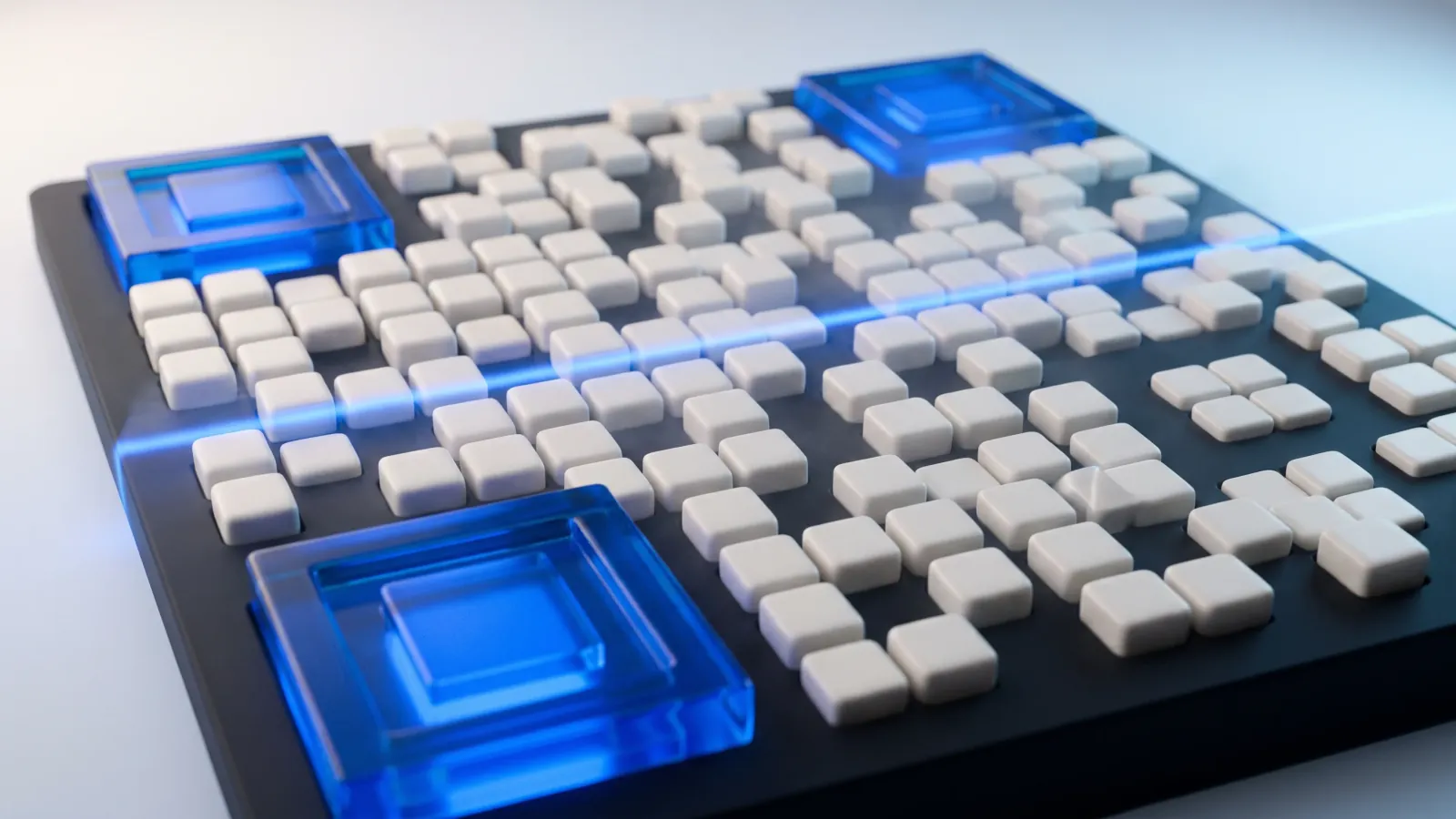
Three finder patterns sit in the top-left, top-right, and bottom-left corners. Each is 7×7 modules: a 3×3 dark core, wrapped in a one-module light ring, wrapped in a one-module dark ring. A one-module light separator keeps each finder apart from the data around it.
Scanners hunt for these shapes first. Because there are three of them, software can infer scale, rotation, and perspective — that is how your phone still works when the sticker is skewed on a curved cup.
Timing patterns
Timing patterns are alternating black/white runs between finder patterns. They help the decoder count modules and stay synchronized while walking the grid — like a ruler printed into the code.
Alignment patterns (larger versions)
From Version 2 upward, smaller alignment patterns appear in the interior. They refine position when the surface is curved or the image is distorted — think bottle labels and flexible packaging.
Quiet zone
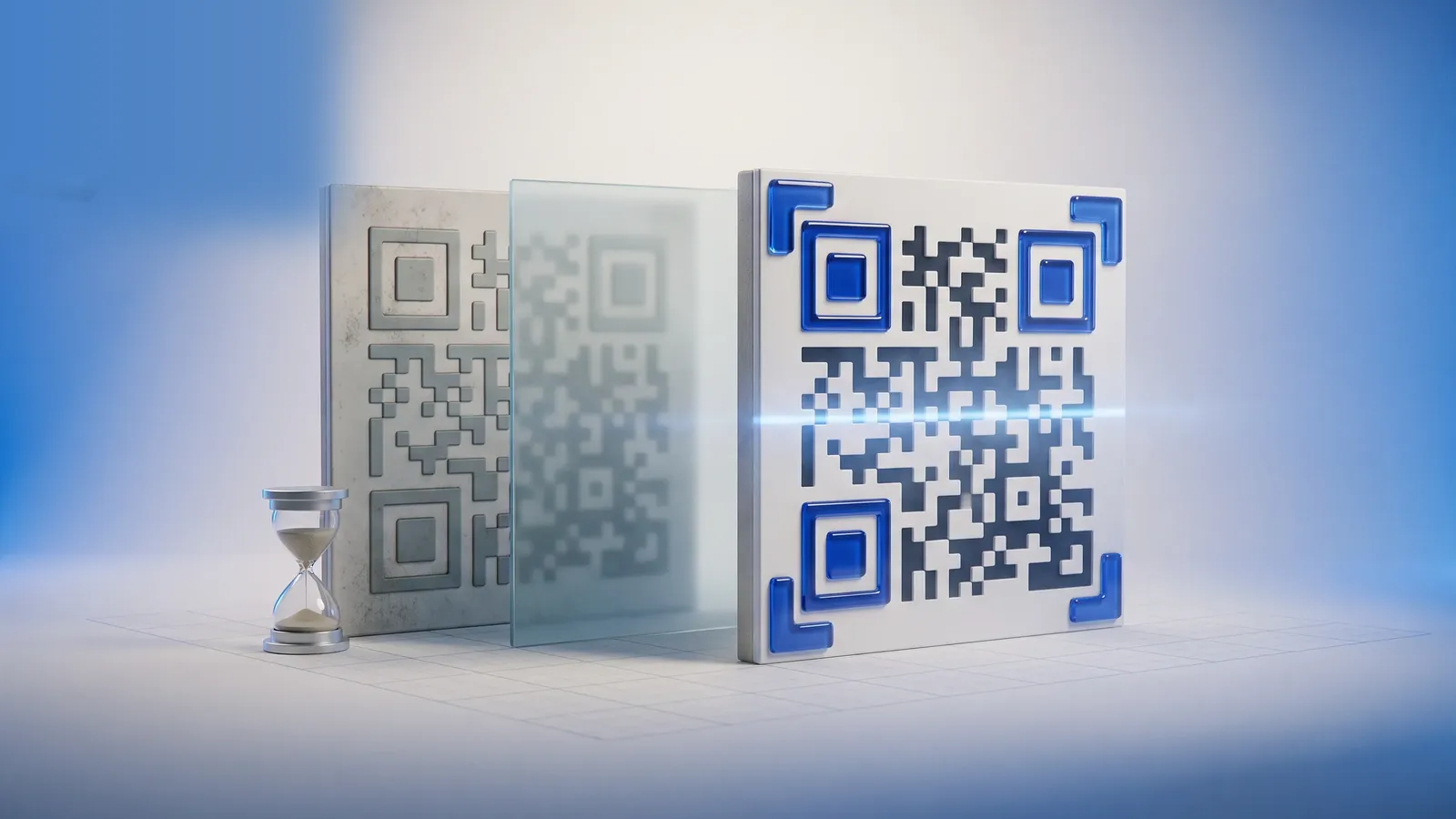
The standard expects a margin of light modules around the symbol (the quiet zone). Without it, adjacent graphics can merge visually with the code and confuse the edge detector. In practice: always leave whitespace around a QR; your design tool should enforce it.
What gets encoded: bit streams and segments
At the lowest level, a QR code stores a bit stream made of:
- Mode indicators — how the next chunk should be interpreted
- Character count — how long that chunk is
- Payload — the actual data
- Terminator / padding — fill out to a byte boundary
- Error correction codewords — Reed–Solomon redundancy
Data modes
The encoder chooses a mode that fits the payload efficiently:
| Mode | Typical use | Idea |
|---|---|---|
| Numeric | Digits only | Packs triples of digits into 10 bits |
| Alphanumeric | 0–9, A–Z, space, $%*+-./: | 5.5 bits per character (pairs) |
| Byte | Arbitrary bytes (URLs, UTF-8) | 8 bits per byte |
| Kanji | Shift JIS kanji | Compact for Japanese text |
A single QR can mix multiple segments with different modes in one symbol — for example, an optimized numeric chunk followed by a byte-mode URL.
Capacity vs. error correction
You cannot fill a QR to the theoretical “maximum characters” in isolation. Error correction eats a large fraction of the codewords. The same version 5 symbol holds more raw data at Level L (low recovery) than at Level H (high recovery).
Rough intuition:
- Level L — ~7% recovery — largest payload, smallest robustness
- Level M — ~15%
- Level Q — ~25%
- Level H — ~30% — smallest payload, survives abuse (partial occlusion, dirt)
Marketing QRs on outdoor signage often use M or Q. Tiny codes on screens can sometimes use L if the environment is clean.
Switch levels below to see the trade-off on a real code. The URL stays the same; only the redundancy changes.
Level M can recover ~15% of damaged codewords. Same URL, yet the grid generally gets denser at higher levels: the extra modules carry the redundancy.
Error correction: why a torn code still scans
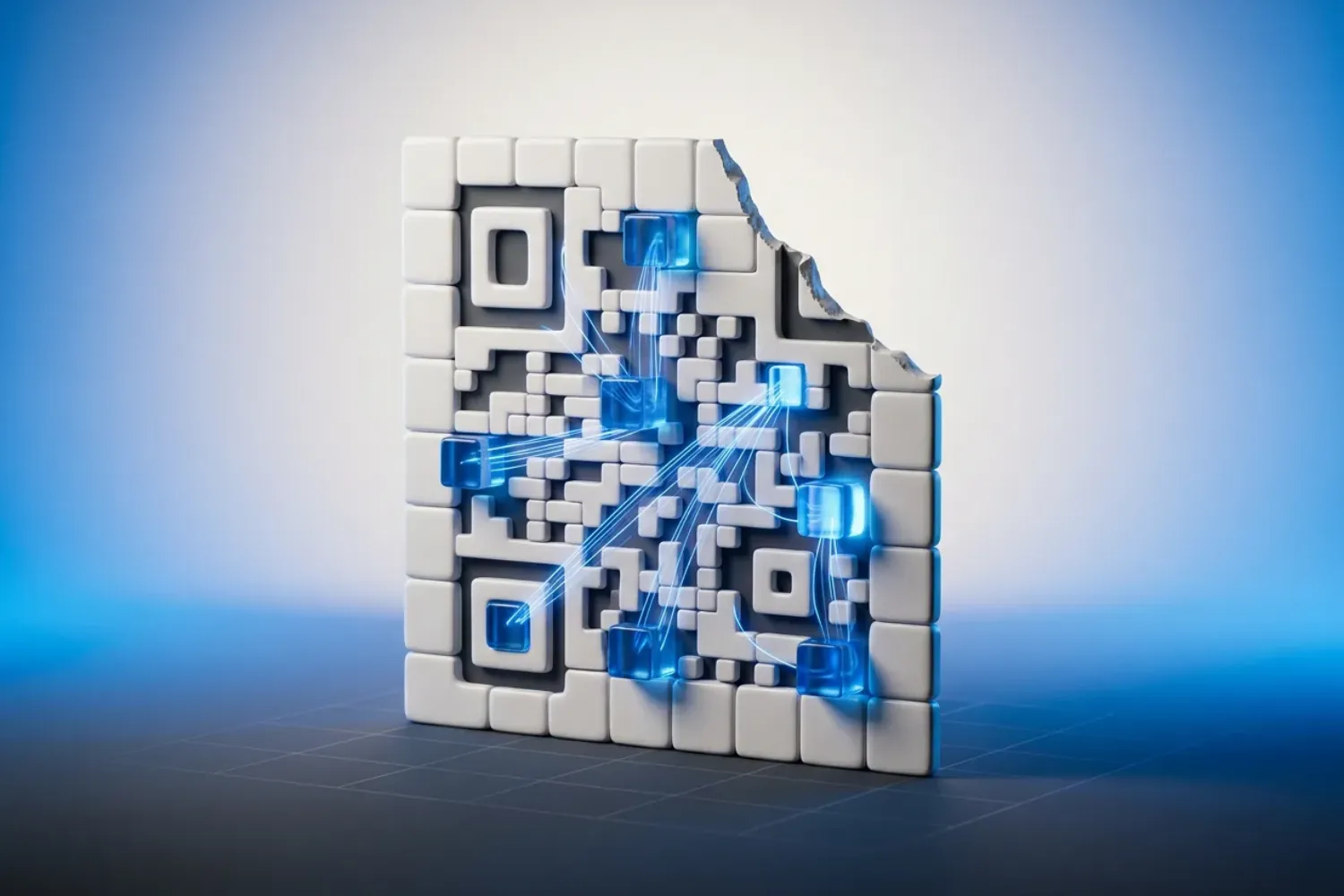
QR codes use Reed–Solomon codes over GF(256). In plain language: extra parity-like bytes are computed from your message so the decoder can reconstruct missing or wrong modules up to a limit.
That is why a scuffed edge, a fingertip over part of the data area, or a logo (if you respect the standard’s limits) still leaves a readable payload — you are not “guessing the URL,” the math is reconstructing the bit stream. The one thing error correction cannot fix is a hidden finder pattern: if the decoder cannot locate the code, it never gets as far as the math.
This is also why central logos are safe only when you treat them as occlusion: you must lower effective data or raise version / EC level so redundancy covers the blocked modules.
Mask patterns — making the code easier to read
After data and error bytes are placed on the grid according to placement rules, the encoder XORs the data area with one of eight mask patterns. The goal is to avoid large uniform regions and confusing patterns that look like finder components.
The standard defines a penalty score for each mask; the encoder picks the mask that minimizes that score. Same URL, same EC level — the black/white arrangement can change because a different mask won.
You do not choose masks by hand in normal tools; the generator does it for you.
What happens when you scan
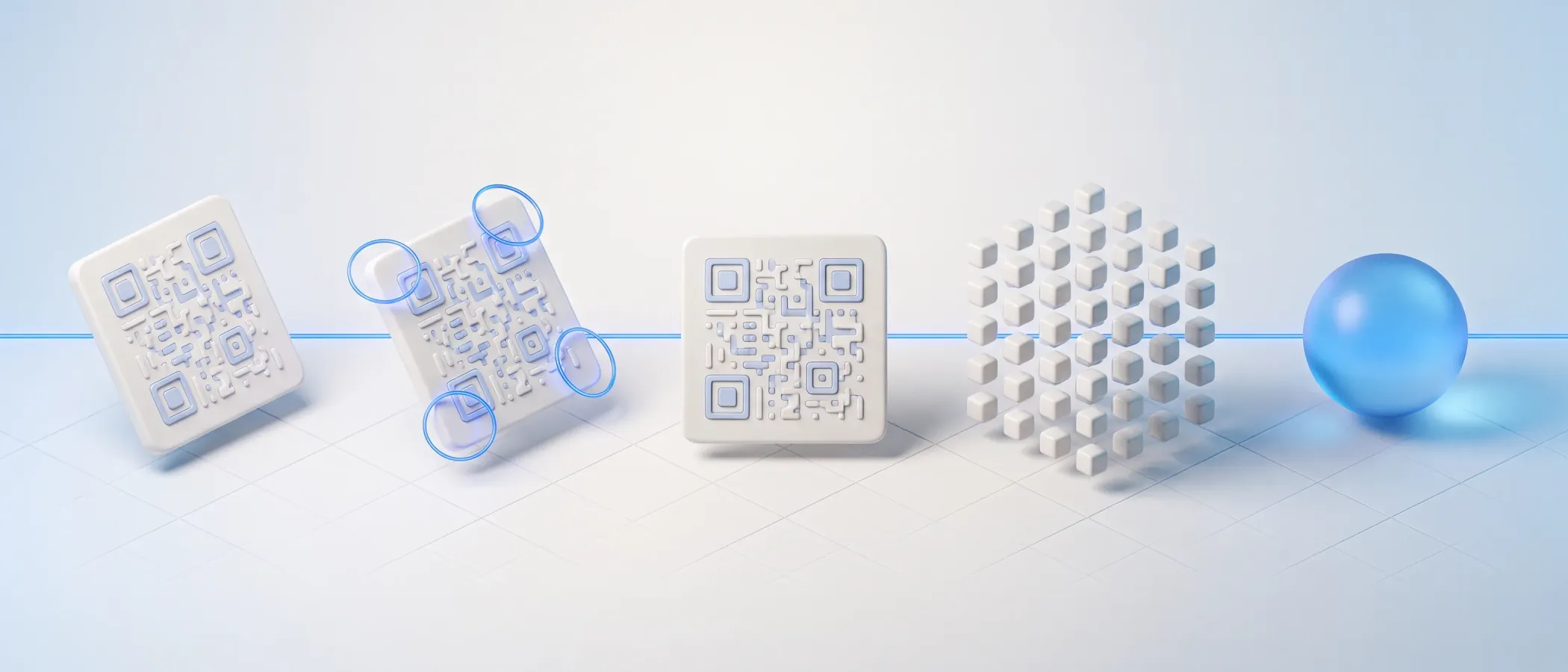
A modern pipeline looks roughly like:
- Image capture — camera frame, possibly HDR
- Find finder patterns — locate the three squares
- Homography / perspective warp — flatten the grid
- Sample modules — decide black vs. white per cell (thresholding adapts to lighting)
- Read format info — error correction level and mask pattern (plus version info from Version 7 up)
- Extract & correct codewords — Reed–Solomon recovery
- Parse segments — modes and payload
- Hand off — URL, Wi‑Fi config, vCard, etc.
Different apps implement steps with different heuristics, which is why contrast, quiet zone, and module size still matter in the real world even though the math is forgiving.
Design implications (the short version)
None of this replaces taste — but it bounds what is safe:
- Quiet zone is part of the spec, not optional trim.
- Contrast is what decoders measure: they threshold brightness, so keep dark modules on a light background and avoid light gray on white. Inverted (light-on-dark) codes are allowed by the current standard, but some older scanners still fail on them.
- Logos trade payload capacity for style; generators should validate readability, not just aesthetics.
Tools like QRdx exist to keep that balance: full customization with a live preview so you see when you have pushed contrast, patterns, or logos too far.
Further reading
The widely implemented specification is ISO/IEC 18004 (QR Code model 2). Open-source encoders and decoders (ZXing, qrcode, etc.) implement the same rules — if you read one library’s “QR format” docs, you are reading a friendly version of the same standard.
If you want to generate beautiful, standards-aware codes with AI-assisted themes and deep control over modules, eyes, and export formats, start in the QRdx playground. And if this explainer helped, a star on GitHub helps other people find QRdx: