Free Google Review QR Code Generator
A Google review QR code opens the 'write a review' box for your business on Google, skipping the search-click-scroll that loses most would-be reviewers. Put it on receipts, table tents, packaging and the reception desk.
How to create a Google Review QR code
It needs your business's Google Place ID, a unique identifier Google gives every place on Google Maps. Find it with Google's Place ID Finder, paste it in, and the code links straight to your review form.
- 1Open Google's Place ID Finder (linked under the field), search for your business and copy its ID, which usually begins with ChIJ.
- 2Paste the Place ID into the field.
- 3Scan the preview and check that the review box opens for your business.
- 4Download the code as PNG or SVG.
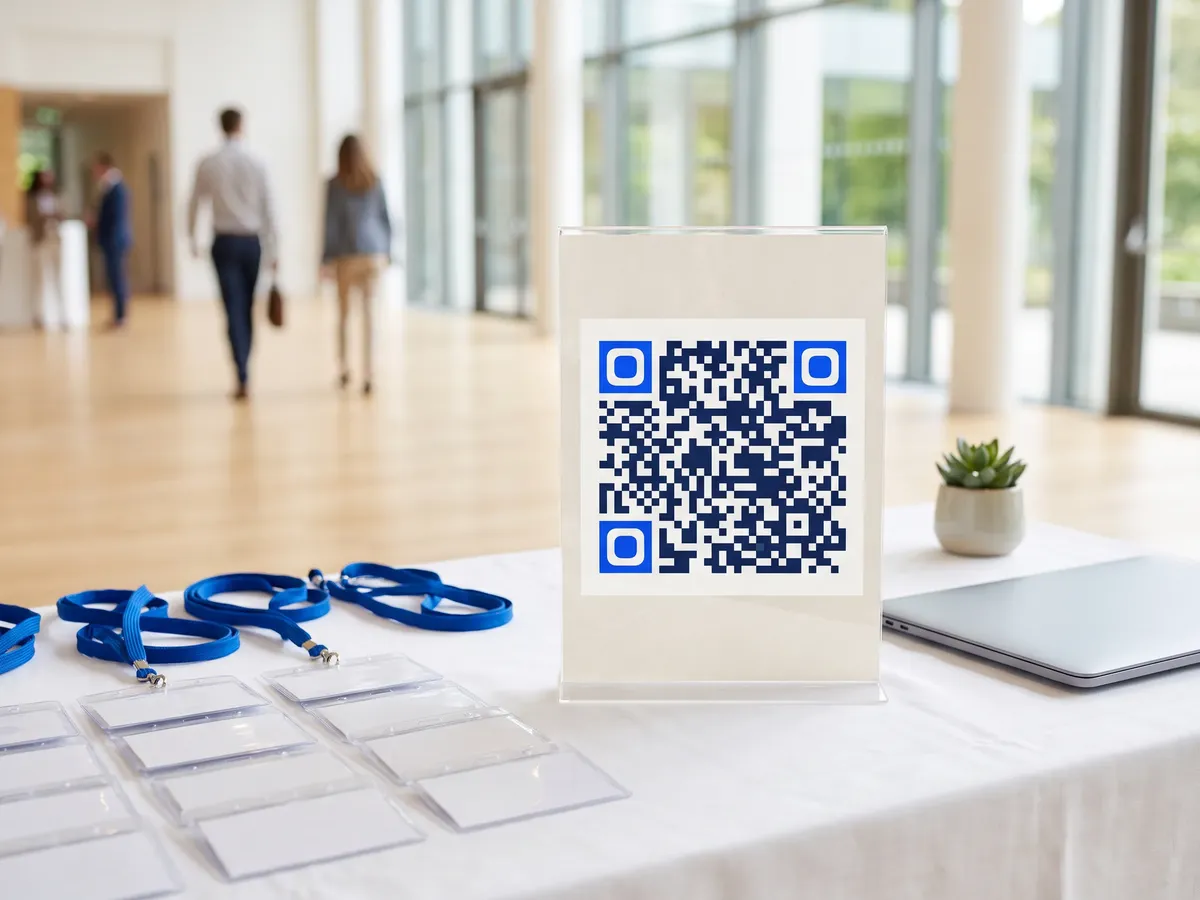
Google Review QR code format
Format
https://search.google.com/local/writereview?placeid=<place-id>Example
https://search.google.com/local/writereview?placeid=ChIJN1t_tDeuEmsRUsoyG83frY4- This link format is widely used to open Google's review dialog directly. Google doesn't document it as a formal API, so test-scan your code after generating it.
- Google Business Profile also offers a short 'Ask for reviews' link. You can encode that with the URL generator instead.
- Reviewers must be signed in to a Google account to post.
Google Review QR code FAQ
Is it OK to ask for reviews with a QR code?
Asking is fine. Google's policies prohibit offering incentives for reviews and selectively asking only happy customers.
Where do I find my Place ID?
Use Google's Place ID Finder on developers.google.com: search for your business and the ID appears on the map.
Does it work for service-area businesses?
Yes. Any business listed on Google Maps has a Place ID, including businesses that hide their address.