Free vCard QR Code Generator
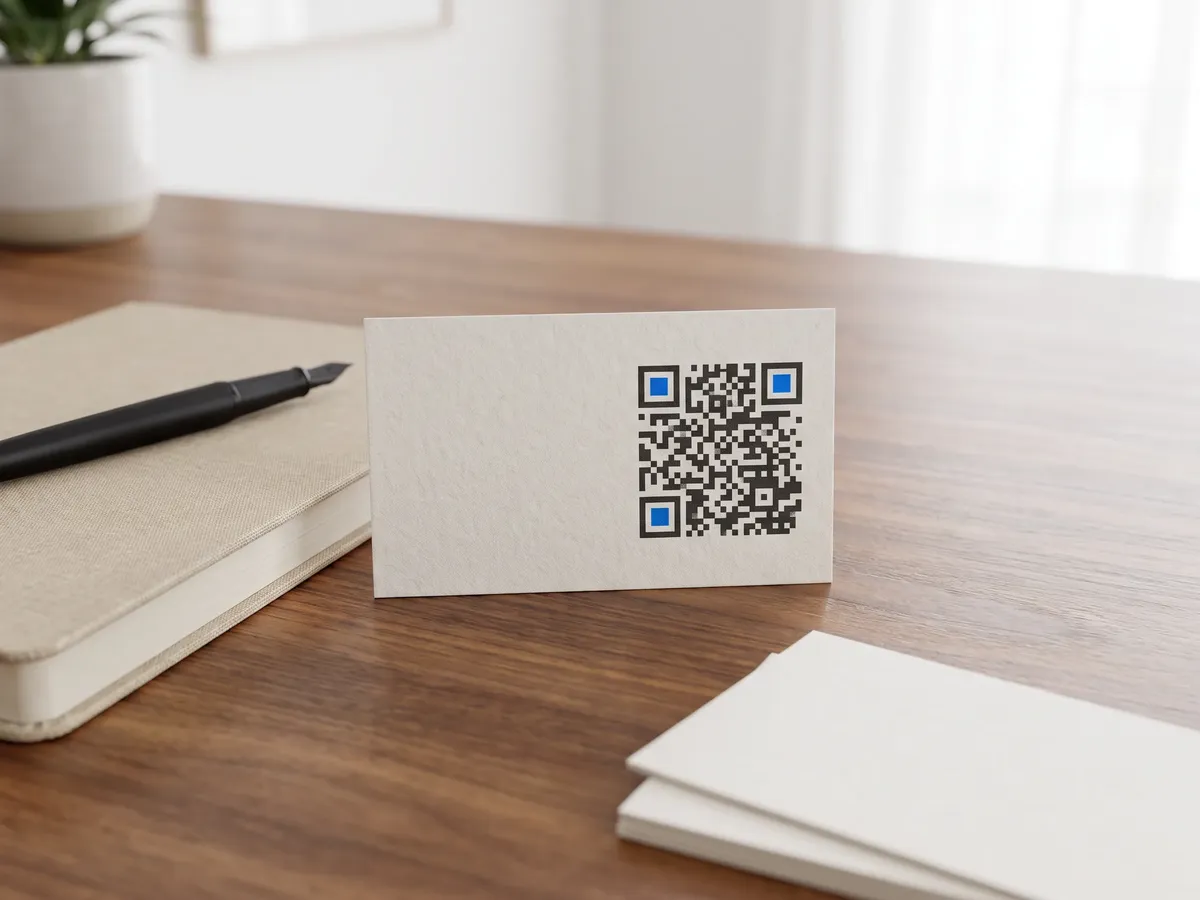
A vCard QR code holds a complete contact card: name, company, phone, email, website, address and a note. Scanning it shows a contact preview with an option to save it straight to the phone's address book, so nobody has to retype your details from a business card.
How to create a vCard QR code
Print it on business cards, name badges, conference lanyards or the back of a brochure, or add it to an email signature. Because the details are stored inside the code, it works offline and never expires; the catch is that you need a new code when your number or job changes.
- 1Enter at least a first name, then add the details you want to share.
- 2Write the phone number in international format, such as +44 20 7946 0000, so it works for everyone.
- 3Scan the preview: your phone should offer to create a new contact.
- 4Download an SVG for business-card printing or a PNG for digital use.
vCard QR code format
Format
BEGIN:VCARD
VERSION:3.0
FN:<full name>
N:<last>;<first>;;;
ORG:<company>
TEL;TYPE=CELL:<phone>
EMAIL:<email>
URL:<website>
ADR:;;<address>;;;;
NOTE:<note>
END:VCARD
Example
BEGIN:VCARD
VERSION:3.0
FN:Ada Lovelace
N:Lovelace;Ada;;;
ORG:Analytical Engines Ltd
TEL;TYPE=CELL:+442079460000
EMAIL:ada@example.com
END:VCARD- QRdx writes vCard 3.0 (RFC 2426), which phone contact apps import reliably. FN (formatted name) and N (structured name) are required by the spec and always included.
- Only the fields you fill in are written, which keeps the code small. Every extra field makes it denser.
- ADR has seven parts separated by semicolons. QRdx puts your whole address in the street part, which contacts apps display as one block.
- If the code gets too dense to scan at business-card size, leave out the note or the address.
vCard QR code FAQ
Does a vCard QR code work on iPhone and Android?
Yes. The iPhone Camera app and Android cameras or Google Lens recognize vCard codes and offer to add the contact.
Can I add a profile photo?
No. A photo would make the card far larger than a scannable code can hold, so this generator doesn't include one.
What's the difference between vCard and MECARD?
MECARD is a shorter format created by NTT DoCoMo. vCard is the standard every contacts app understands and supports more fields, so QRdx uses vCard 3.0.
Can I update the contact after printing?
No, the details are inside the code. To have one code that always shows your current details, host your contact page online and point a URL code, or a dynamic code from your dashboard, at it.