QR codes on business cards
A QR code on a business card should do one thing: put your details into the other person's phone so they don't type them, or lose the card. There are two ways to do it. A static vCard code holds the contact itself, works offline and never changes. A dynamic vCard Plus code opens a contact page you can update when you change jobs, phone numbers or photos.
Space is the constraint. A standard card is about 85 × 55 mm, and the code competes with your name, logo and title. The size table below shows how small you can go for a card held in the hand.
What to link from QR codes on business cards
Save the contact in one scan
Name, title, company, phone, email and website saved straight to the phone's contacts, with no typing and no spelling mistakes.
A digital card you can update
Changed roles or numbers? Update the vCard Plus page and every card you've already handed out shows the new details.
Your portfolio or booking page
Designers, photographers and consultants can link straight to work samples or a booking calendar instead.
LinkedIn connection
A LinkedIn profile code connects at events faster than searching for a common name.
Which QR code to use
Static codes are free and need no account, but can't be changed after printing. Dynamic codes and hosted pages can be edited at any time, count every scan, and keep working on every plan, even if you cancel.
vCard QR code
The contact lives inside the code: free, offline and permanent. The trade-off is a denser code, so print it slightly larger, and reprint if your details change.
Open the vCard generatorvCard Plus page
A digital business card with photo, contact buttons and a Save contact button.
A short link to a contact page with photo, buttons and a Save contact button. Smaller, simpler code, and you can edit it after printing.
See live templatesLinkedIn QR code
For networking-heavy roles: opens your LinkedIn profile or company page.
Open the LinkedIn generatorCal.com QR code
For consultants: opens your Cal.com booking page so a conversation turns into a meeting.
Open the Cal.com generatorHow big to print it
| Where people scan | Distance | Minimum code width |
|---|---|---|
| Card held in the hand | 20 cm (8 in) | 2.3 cm (0.9 in) |
| Card on the table | 40 cm (16 in) | 4.6 cm (1.8 in) |
For a dynamic short link such as https://qrdx.dev/q/aB3dE5f at error correction Q, without the blank margin. Static Wi-Fi, vCard or long URL codes hold more data and need to be larger. Check yours with the print size calculator and the scan checker.
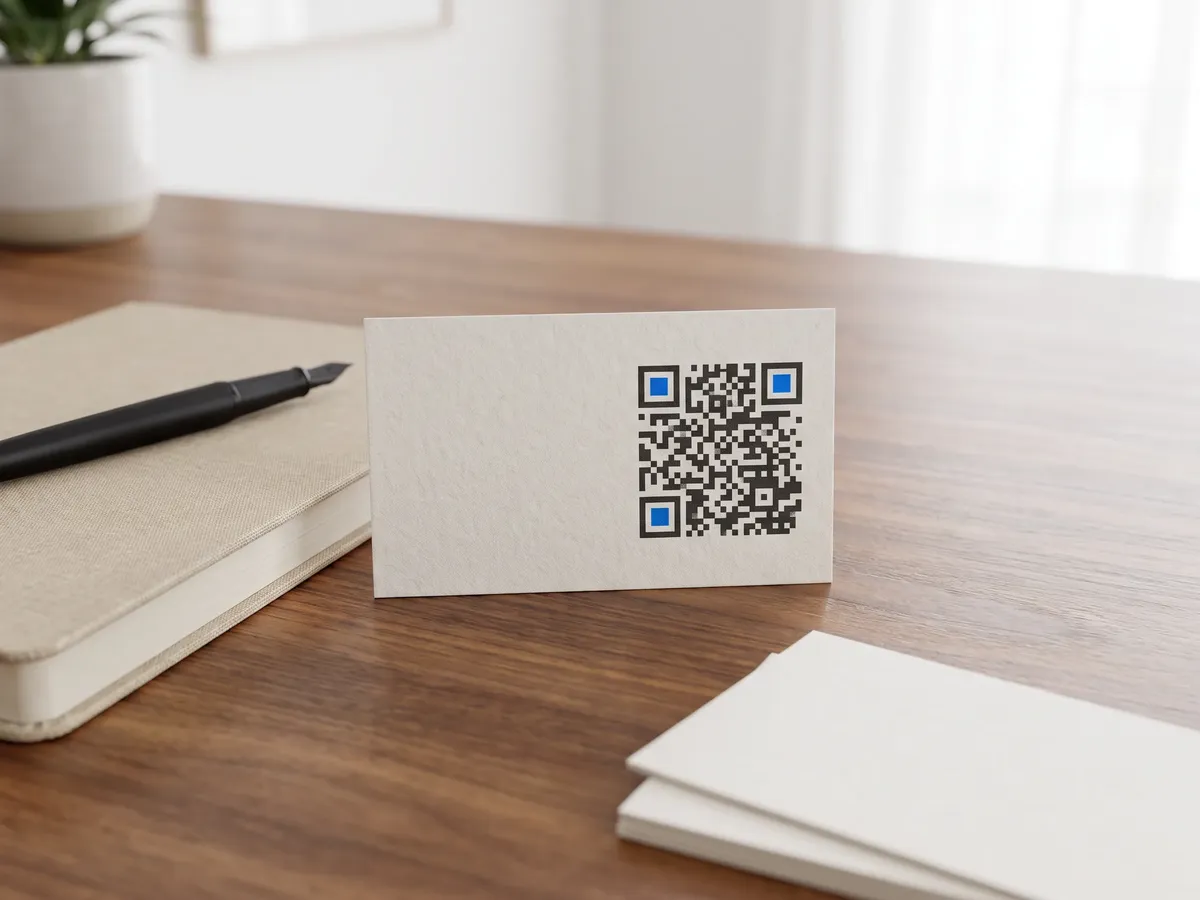
Placement tips
- With a short link, about 2.3 cm square is the practical minimum. A static vCard with a full address holds several times more data, so the same card needs a code of 4 to 5 cm; check yours in the print size calculator.
- Put the code on the back with a line of text, and keep the front for your name and brand. Cards are turned over when people look for details.
- Avoid spot UV, foil or embossing over the code, and leave a clear margin to the card edge.
- Send the printer an SVG or CMYK PDF rather than a PNG so the modules stay crisp.
Call-to-action copy
A code with a reason to scan beside it gets more scans than a bare code. Lines to print next to yours:
- Scan to save my contact
- Scan for my portfolio
- Book a call with me
- Connect on LinkedIn
QR codes on business cards: FAQ
Should I use a vCard QR code or a digital business card?
A static vCard is best when your details rarely change and you want it to work offline forever, and you have room for a larger code. A dynamic vCard Plus page is better when you change roles, want a photo and social links, or want to know how many people scanned.
What size should a QR code be on a business card?
At least about 2.3 cm for a short link scanned from 20 cm. A static vCard with a full address makes a much denser code that needs 4 cm or more for the same distance, which is why short-link contact pages suit cards so well. Test the printed proof with two or three different phones.
Front or back of the card?
Usually the back, where there is room for the code and a short call to action. A minimalist card can put a small code on the front if it is the only element besides your name.